Acessórios, venda e manutenção de computadores e impressoras.
Explore novas realidades com os melhores computadores e otimize suas atividades com rápidas impressoras, tudo isso com a garantia de um conserto eficiente, com profissionais qualificados.
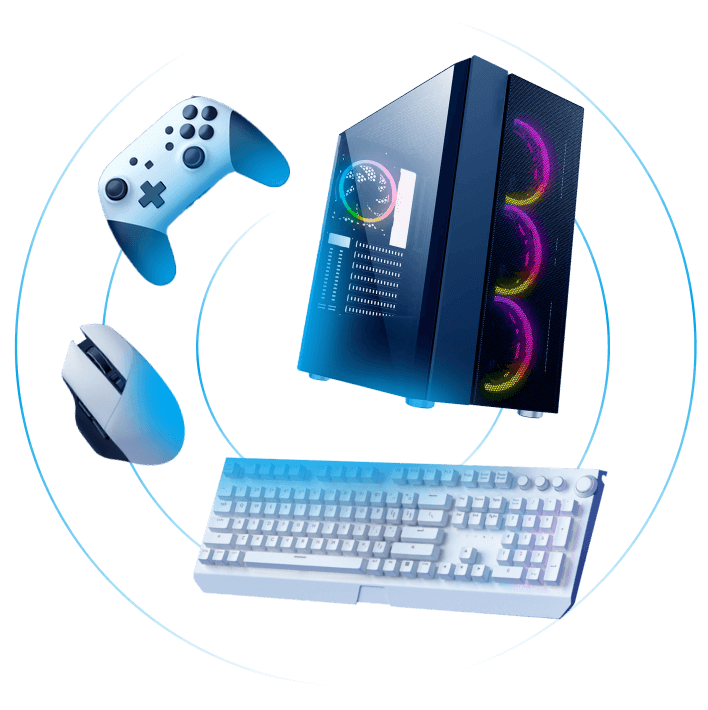

Descubra soluções completas para computadores e impressoras em nossa loja
Explore nossa ampla gama de acessórios, serviços de venda e manutenção especializados para atender todas as suas necessidades tecnológicas.
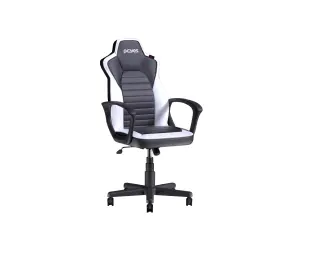
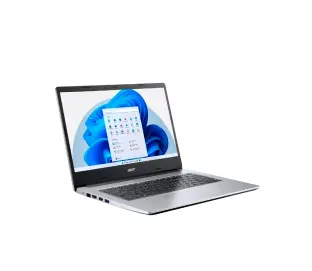
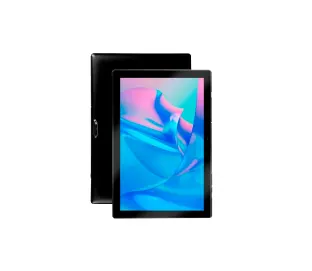
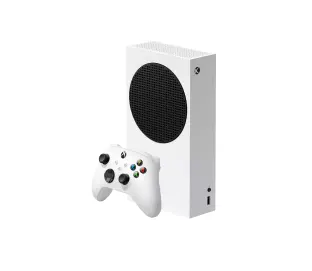
Você como um verdadeiro amigo da tecnologia
É difícil pensar em alguém que não tenha um computador ou impressora para uso próprio ou profissional hoje em dia.
A gente sabe que acompanhar tantas atualizações todos os dias pode fazer qualquer um ficar perdido. Por isso estamos aqui para facilitar a sua vida.
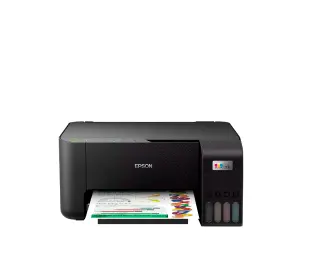
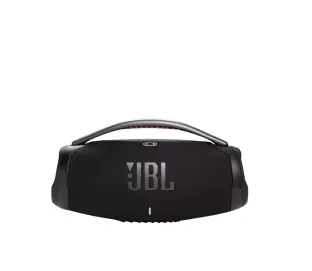
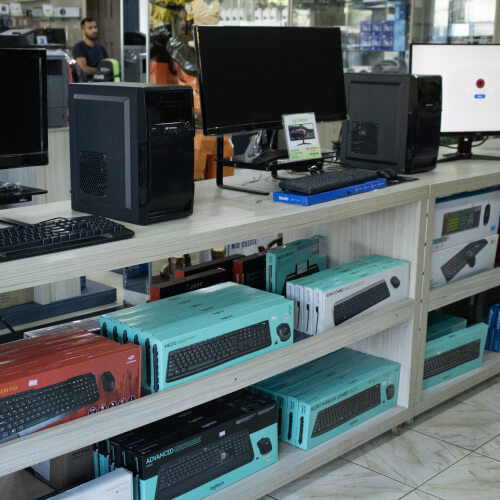
Buscamos trazer os melhores eletrônicos para você se equipar. Computadores, impressoras
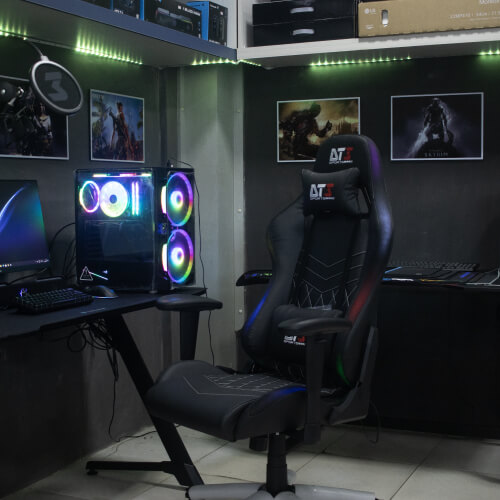
e diversos acessórios para personalizar seu setup como quiser.
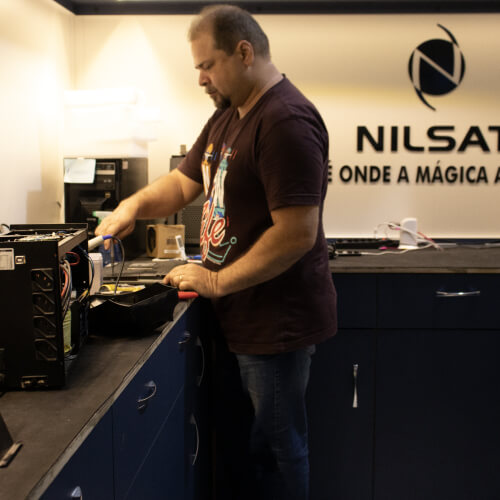
Além disso, fornecemos também o serviço de manutenção, assim você aproveita muito mais tudo o que a tecnologia pode te oferecer. Como não abraçar essa oportunidade?
Atendimento rápido via WhatsApp! Converse conosco agora.
Seja para dúvidas, informações ou suporte, estamos aqui para ajudar.
O que você garante quando se conecta com a Nilsat

Soluções personalizadas
Variedade de produtos para o que você precisa: computadores, notebooks, periféricos, componentes de hardware, acessórios, dispositivos eletrônicos e muito mais.
Auxílio em sua compra
Nossa equipe de atendimento especializada está sempre disponível para te ajudar a encontrar a solução ideal.
Resolvemos seu problema
Na Nilsat, o foco é a solução do seu problema. Por isso, oferecemos serviços completos e especializados para cuidar do seu equipamento. Da venda à manutenção, a Nilsat é a sua melhor escolha.
Chega de dúvidas
Aproveite para conhecer mais sobre compatibilidade, configuração e uso dos produtos durante o atendimento dos nossos profissionais.

Satisfação de quem se atualiza com a Nilsat
Nilsat: evoluindo há mais de duas décadas
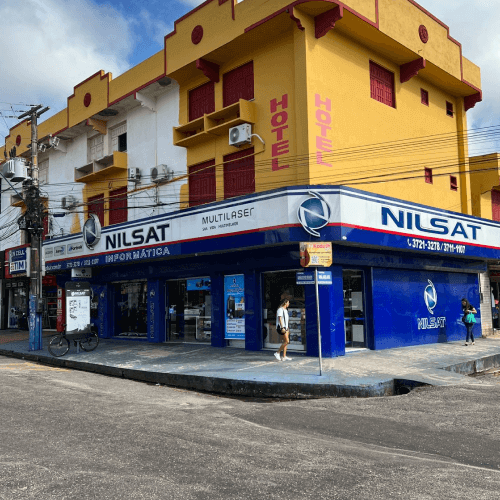
Se conectar e se adaptar é o que formou a Nilsat. O que começou como uma empresa do ramo de antenas parabólicas e receptores, hoje é uma referência no setor de eletrônicos e tecnologia.
Desde 2003, buscamos oferecer mais do que produtos, mas também suporte aos nossos clientes com serviços de assistência técnica.
Hoje somos reconhecidos como uma empresa confiável e respeitada no setor de tecnologia. Nos adaptamos às demandas do mercado para atender quem também precisava se adaptar.
Conte com a Nilsat para fornecer soluções inovadoras e de alta qualidade em informática.

Perguntas Frequentes
Solicitamos devolução ou troca de produtos em caso de defeitos ou vícios facilmente detectados pela nossa equipe. Consulte sempre um vendedor ou representante da loja onde o produto foi adquirido.
Todo mundo quer facilidade na hora de comprar. Por isso aceitamos pagamentos em crédito e débito, dinheiro, transferência ou Pix.
Nossos computadores possuem 1 ano e 3 meses de garantia. Para outros produtos, converse com nossos especialistas para entender qual é o prazo de garantia do equipamento adquirido conosco.
Receba seus pedidos no conforto da sua casa. Nossas entregas atendem toda a região de Castanhal.
Você pode solicitar um orçamento por meio dos nossos canais de atendimento.
Nilsat: Crescemos de antenas a líder em eletrônicos. Suporte técnico, confiança e inovação em informática. Adaptação constante.
Soluções tecnológicas para potencializar seu mundo digital
- Todas as suas informações estão seguras